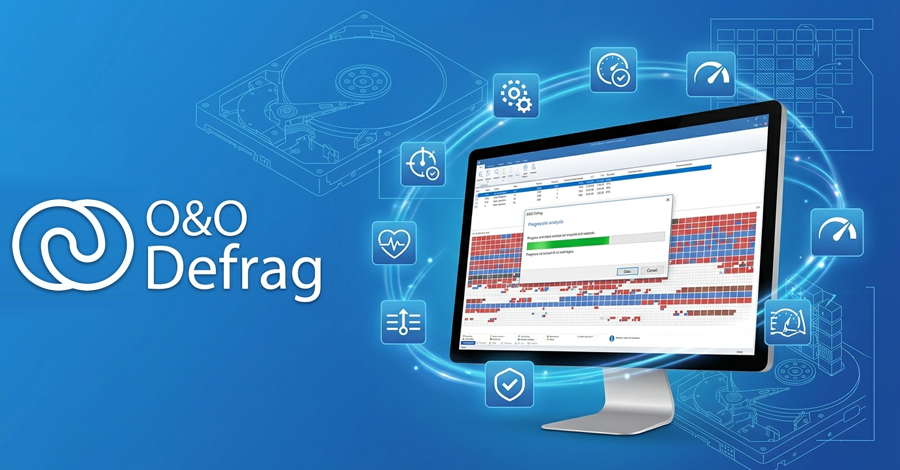
O&O Defrag Portable v30.0 Build 1056 released!
A portable launcher for OO Defrag Professional, built with the PortableApps Compiler (PAC-MAN). Every change it makes to Windows is recorded first and undone when O&O Defrag closes, or on the next launch if something went wrong.
O&O Defrag is commercial software. The package doesn't include or handle a license: enter your own license in O&O Defrag.
System Requirements
- Windows 10 or 11, 64-bit. O&O Defrag Professional has no 32-bit version, and can't be used on Windows Server.
- Administrator rights: O&O Defrag does its work through a Windows service.
- The .NET 8 Desktop Runtime (x64). If it's missing, the launcher offers to install it from
App\Prerequisites. That install stays on the computer, since other programs may come to rely on it. Dataon a local drive (a USB drive is fine; a network share isn't).- PortableApps.com Platform (optional).
Downloads
Configuration
O&ODefragPortable.ini, next to the launcher, holds the user settings. If it gets damaged, or you want to go back to the defaults, copy Other\Source\O&ODefragPortable.ini over it.
[O&ODefragPortable]
AdditionalParameters=
DisableSplashScreen=false
Symlinks=true| Key | Default | What it does |
|---|---|---|
Symlinks | true | Link O&O Defrag's data folder into Data while it runs. With false, it uses the folder on the computer. |
AdditionalParameters | empty | Extra command line switches passed to O&O Defrag. |
DisableSplashScreen | false | Don't show the launcher's splash screen. |
What happens while it runs
| Change | Undone by |
|---|---|
The OODefragAgent service, which does the actual defragmenting, is created pointing at the package and started. An installed O&O Defrag's agent is pointed at the package instead. | Deleting the service, or putting the installed agent back as it was |
The drive map control (oodpeo.ocx) is registered. An installed O&O Defrag's registration is backed up first. | Unregistering it and restoring the backup |
HKLM\SOFTWARE\O&O\O&O Defrag (settings, jobs and your licence) is loaded from Data\settings\O&ODefrag.reg | Saving it back to Data, then restoring what was there before |
%LOCALAPPDATA%\OO Software\OO Defrag is linked to Data\OO Defrag with an NTFS junction | Removing the junction and putting back anything that was there |
Close an installed O&O Defrag, including its tray icon, before starting O&O Defrag Portable. The launcher waits for O&O Defrag's tray icon and update check to close before it removes the service.
Junctions can only point to a local drive. Running from a network share isn't supported.
If something goes wrong
If O&O Defrag Portable didn't close properly (a crash, a power cut, a USB drive pulled out), the next launch tells you and undoes everything the last session changed. Start it again afterwards. Settings changed in the session that crashed aren't saved.
When reporting a problem, please include an export of the HKEY_CURRENT_USER\Software\pac-man\Journal registry key and the contents of %LOCALAPPDATA%\pac-man\Journal.
Building from source
The launcher is built with the PortableApps Compiler. Its configuration lives in App\AppInfo:
| File | Contents |
|---|---|
App\AppInfo\appinfo.ini | Package details and version |
App\AppInfo\Launcher\O&ODefragPortable.ini | The launcher configuration: the service, the drive map control, the data link and the .NET check |
App\AppInfo\Launcher\custom.nsh | The portable registry settings |
App\\Prerequisites must hold windowsdesktop-runtime-8.0.21-win-x64.exe (the .NET 8 Desktop Runtime, which includes the base runtime). Update the name in the launcher configuration if you ship a newer one.
Credits
- O\&O Defrag is developed by O\&O Software GmbH.
- PortableApps.com Platform by PortableApps.com.
- PortableApps Compiler developed by daemon.devin.
0 Comments
No comments yet. Be the first.